 Woodshed
[ 01 · Managed ]
Cloud dev environments, managed for you.
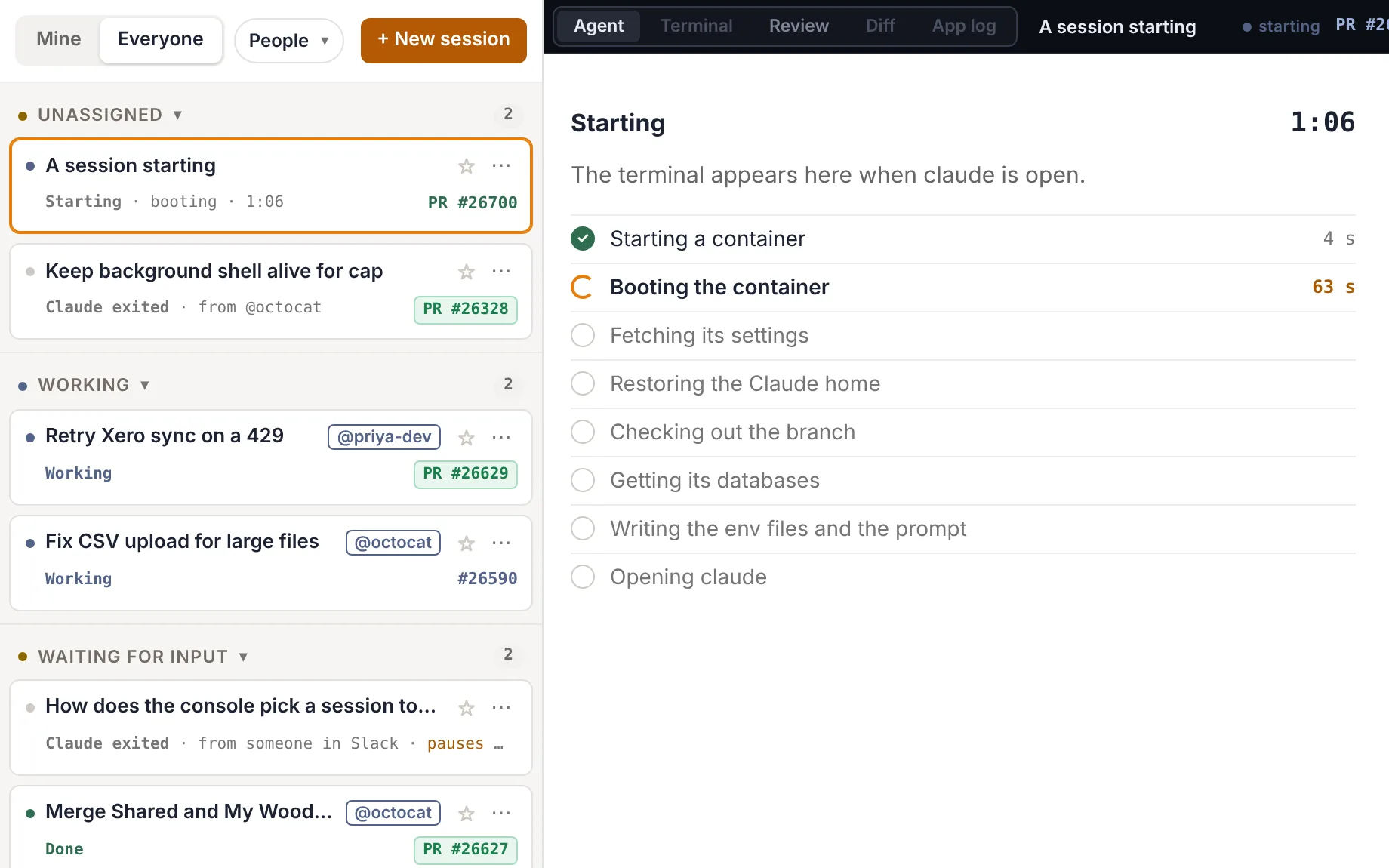
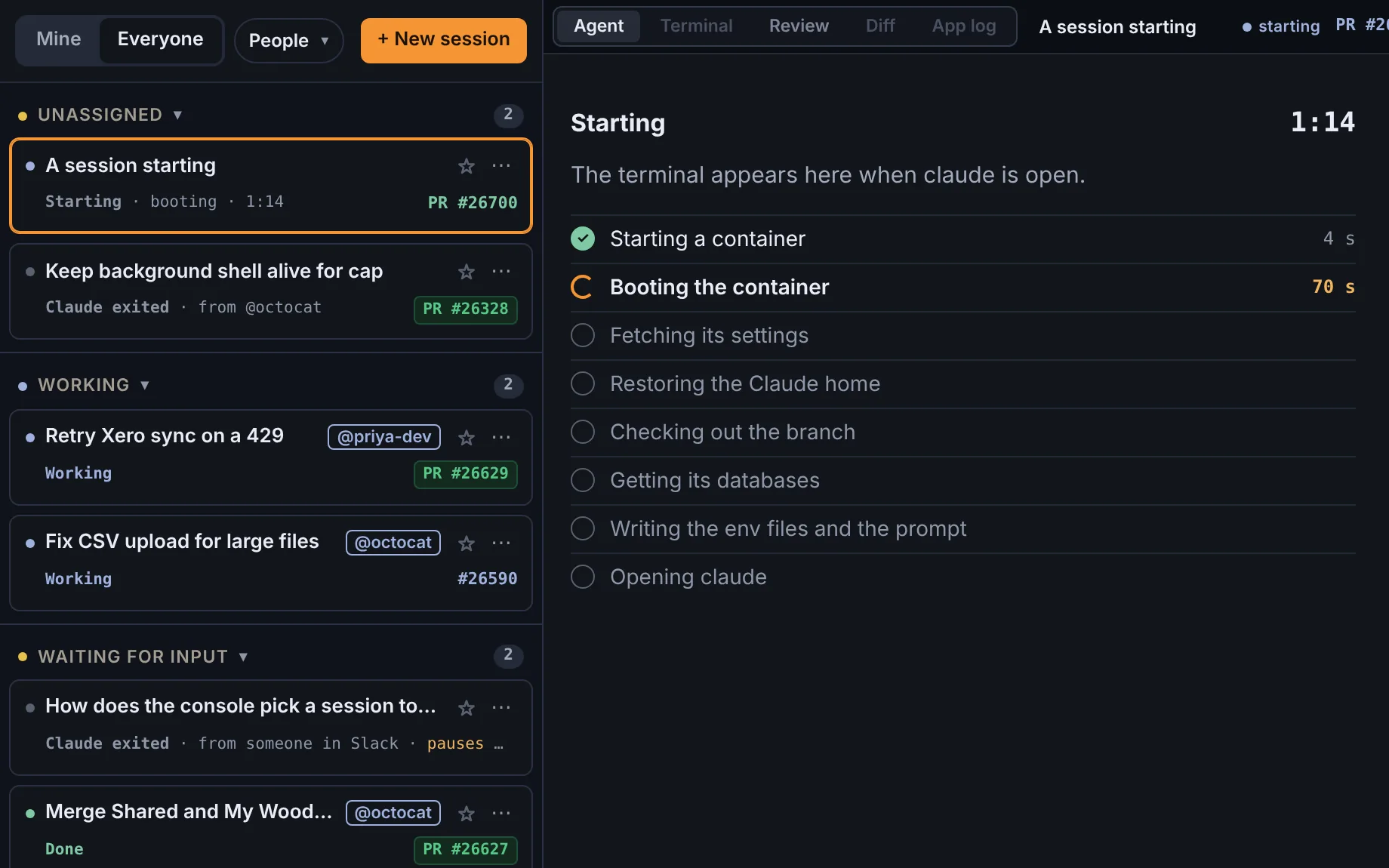
One console starts, lists, pauses and stops every environment. Open any of them to watch the agent, take over its terminal or review its changes, from your laptop or your phone.
Give Claude Code and Codex a full environment for every task. Run many at once, and let each one test its own work before it opens a PR.
 Video coming soon
[ 01 · Managed ]
One console starts, lists, pauses and stops every environment. Open any of them to watch the agent, take over its terminal or review its changes, from your laptop or your phone.
[ 02 · One per task ]
Each task gets its own container, branch, Postgres and Mongo, and a running copy of your app at its own address. Work on ten things at once and test each one apart: nothing one does reaches another.
[ 03 · Verified ]
With the whole app running beside it, the agent checks its change in a real browser before it opens a pull request, and says what it proved. You review finished work and ship faster.
From GitHub, from the console, or from a question in Slack.
Add the woodshed label to an issue, or comment on any issue or pull request. Within 30 seconds the console starts an environment for it. Everyone signed in can see it.
A private environment: only you can see it, it runs on your own Claude Code or Codex sign-in, and the console posts nothing on GitHub. Point it at an issue, a pull request or a branch.
Mention the bot with a question about the code. A short read-only environment reads master and answers in the thread.
The agent works like an engineer on their own dev box: code, run the app, check the change, open the pull request.
woodshed or comments /woodshed ….woodshed/<issue>-<id>, with the issue as its task.## Proof section.Retry-After and tries the sync again when the API answers 429.Every pull request an environment opens has a ## Proof section. Anything it could not prove is marked "not proven", so a reviewer knows where to look.
Each environment's page has the agent's terminal, a shell beside it, a review of its changes and its own running app.
Agent is the live terminal of Claude Code or Codex: watch it, or type to take over. Terminal is a plain shell in the repo beside it, with the same environment.


An idle environment pauses after an hour, pushing its work first. A later comment, or Resume, picks it up where it stopped, with the same conversation and databases.
The diff against master, uncommitted work included, laid out in a reading order with an analysis of the change. Ask about any line or file, or chat beside it. In a private environment with GitHub connected, comment, approve and merge from the same page.
Start app runs the repo's app inside the environment, on its own databases. Open app opens it at the environment's own address. Editor ↗ opens VS Code on its checkout.
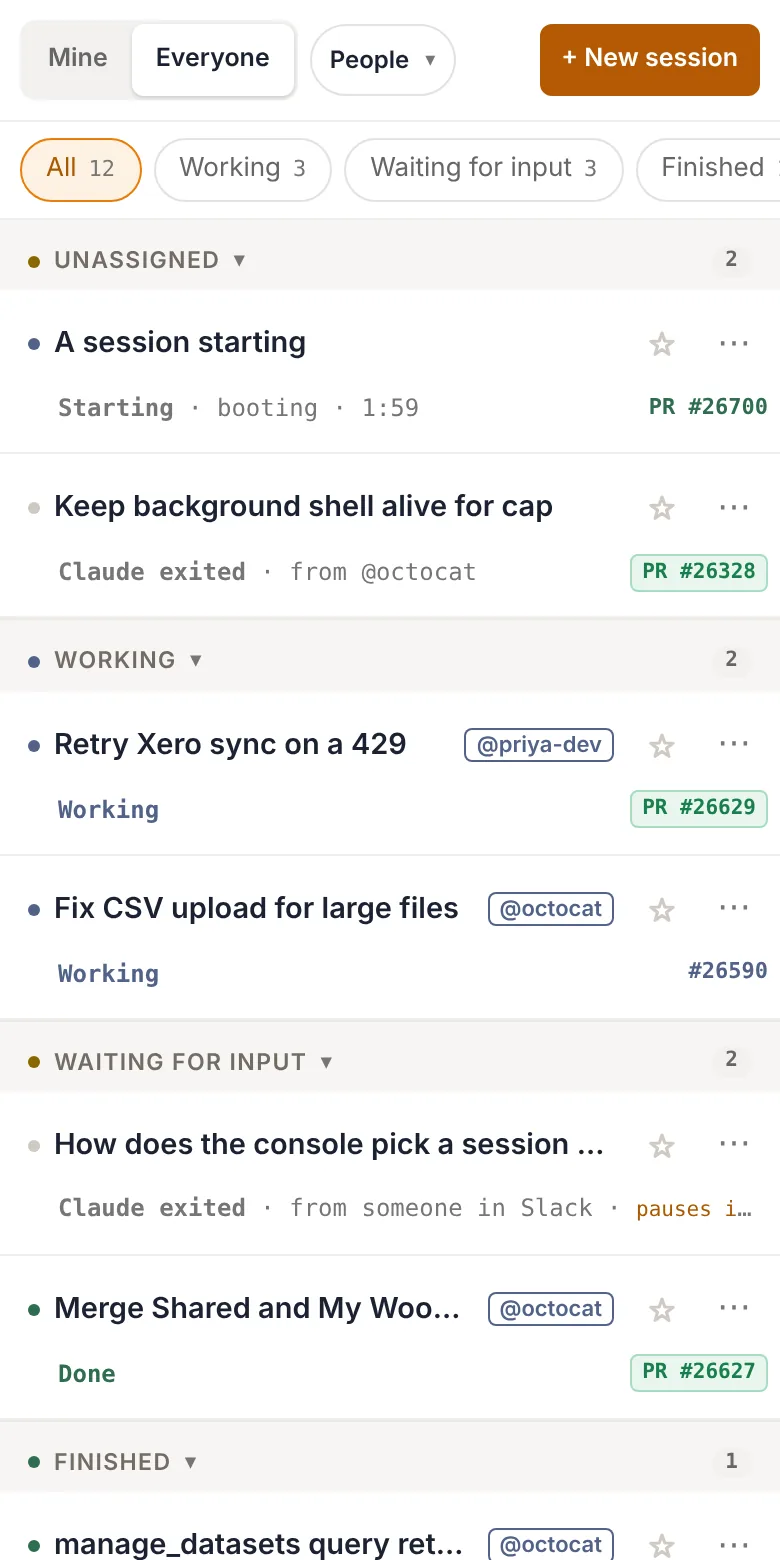
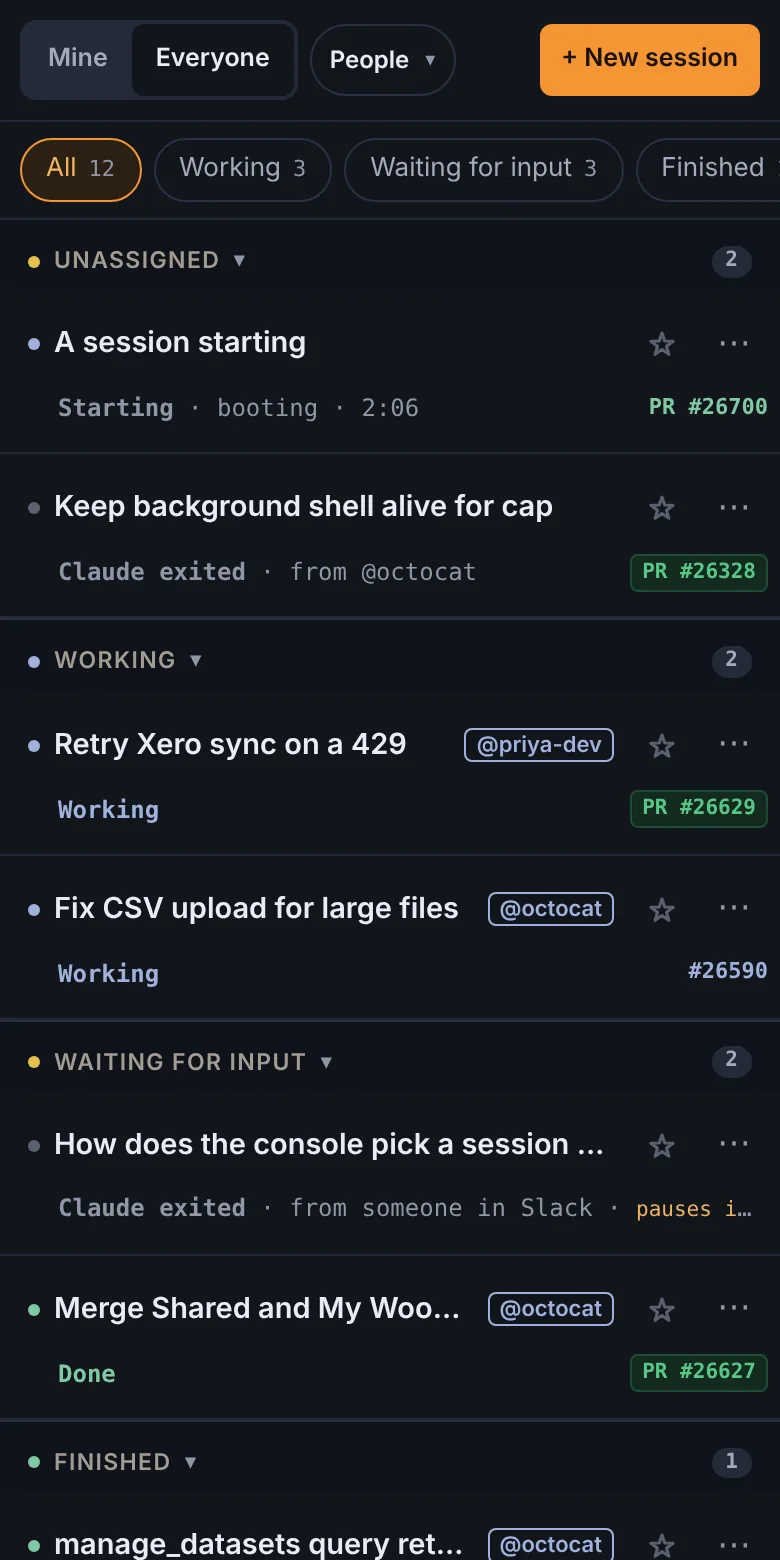
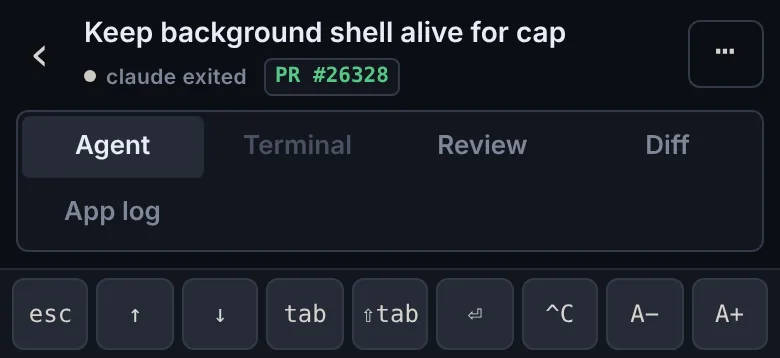
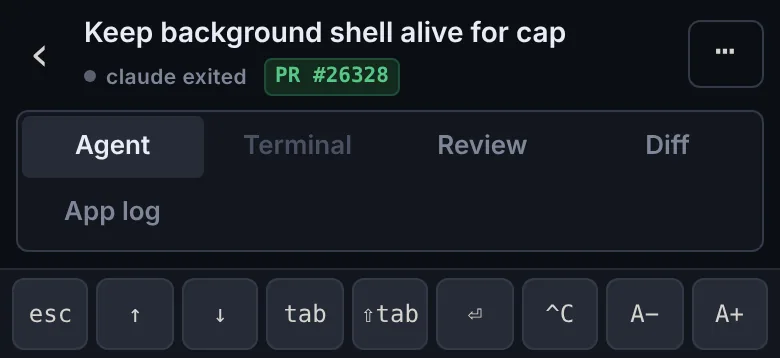
The list becomes the page, and an environment is its pane alone. A key bar sends what a phone keyboard lacks, and a message box under the agent's terminal takes dictation, paste and photos.


Host the environments on AWS, or with Docker on any machine. The console and the environments are the same on each.
An AWS account of its own, built with Terraform.
Docker on any machine: a VM or bare-metal server on Hetzner, OVH or any other provider, or your own hardware.
✓ Never in an environment: AWS credentials, production data or production integration tokens. Each environment's databases are its own, and nothing one does to its data reaches another.
One file at the repo's root says what an environment needs: its env files, its database, its app and how to prove a change. Only version must be written.
version: 1
dependencies: [api, web]
envFiles:
  - path: api/.env
    secret: api-env
database:
  user: app_user
  name: app
  dir: api
  migrate: npm run migrate
  seed: npm run seed
app:
  start: make serve
  frontendPort: 3001
  backendPort: 9000
  # What the agent is told if it opens a PR without starting the app.
  howToProve: Run `make serve` and check each change in the browser.
editor: trueSelf-hosting is open source and free. Cloud is free for one person; teams and enterprise are coming.
shared/ under MITThe software is free. On AWS, an installation costs about $55 a month idle and about $0.13 an hour per environment on Fargate, plus model usage. With Docker, it costs whatever machine you run it on.
Each environment runs Claude Code or Codex. A private one runs on your own sign-in, saved on My settings. A shared one, started from GitHub, reaches Anthropic through the console, which adds the installation's key or the plan of whoever started it. A shared environment never holds anyone's token.
No. Environments never get AWS credentials, production data or production integration tokens. Each one gets its own copy of the databases, made from a template, and GitHub tokens that last an hour and reach one repo.
After an hour waiting for input it pauses, and it stops at 8 hours in all. It commits and pushes its work in progress first, and keeps its conversation and databases, so a later label, comment or Resume picks it up where it was.
Yes. Below 720px the list is the page and an environment is its pane alone. A key bar sends esc, the arrows, tab, ⏎ and ^C, and a message box under the agent's terminal uses the phone's own keyboard, so dictation and paste work.
As many as you host. On AWS each environment is its own Fargate task, up to the limit you set. With Docker each one uses about 2 to 3 GB once the agent and its browser run, so a 12 GB machine holds three.
Yes. An installation works on one repo, which describes itself in .woodshed/project.yaml. A repo with no file gets an empty project and runs with Woodshed's own rules alone.